Media

See the workflow take shape.

These illustrative concept visuals show how SIMVORA Engineering OS moves from intent to CAD, simulation, drawing and report. A fuller product walkthrough and demonstration will follow during early access.
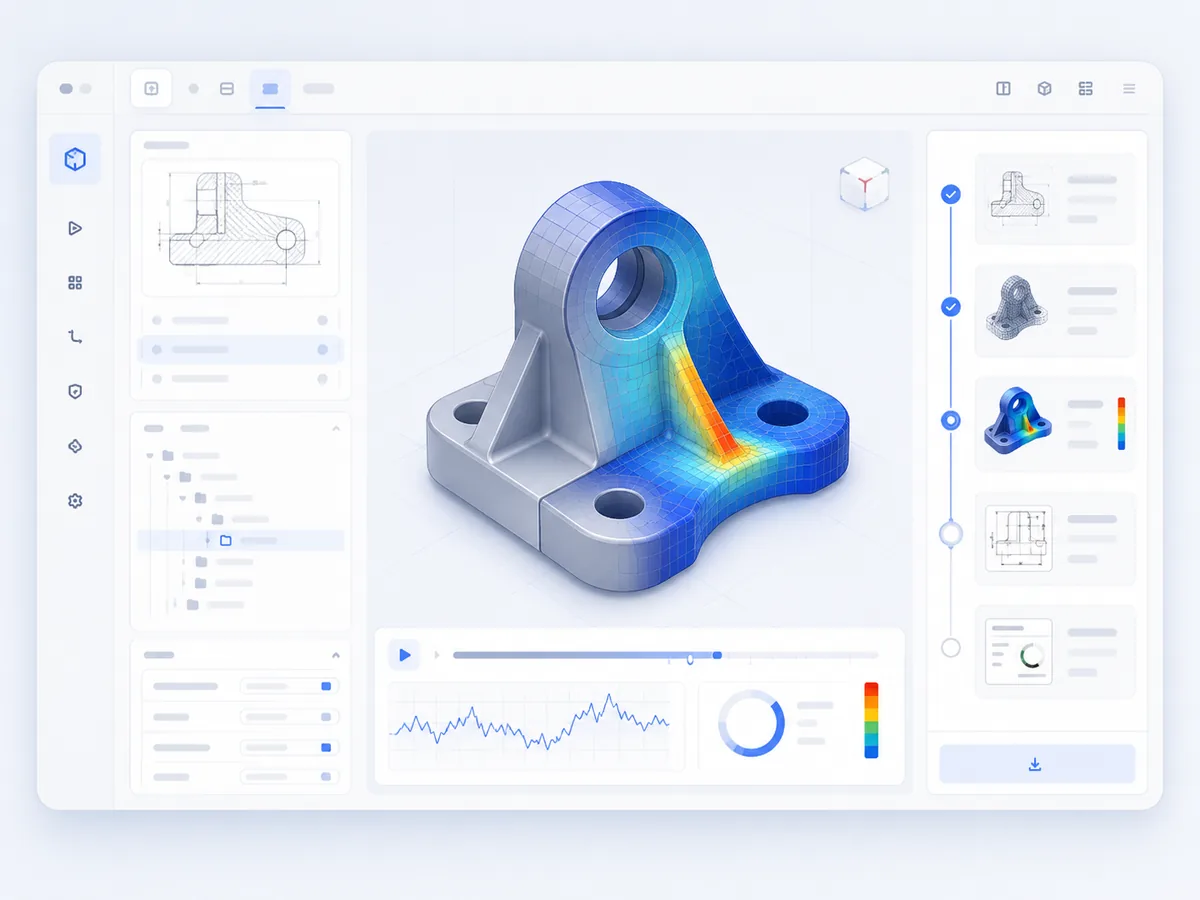
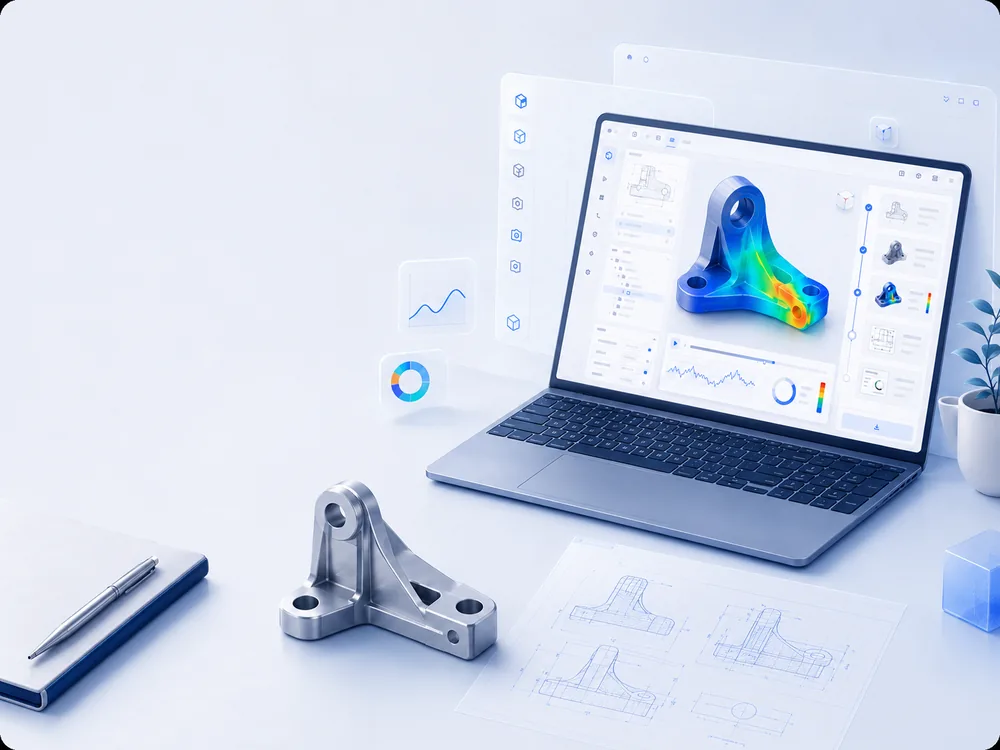
Illustrative concept of the Simvora Engineering OS workspace showing a CAD part alongside simulation results
Illustrative concept of the workspace — a CAD part alongside simulation results. Concept visual, not a live-software screenshot.

Gallery

Concept visuals across the engineering loop.

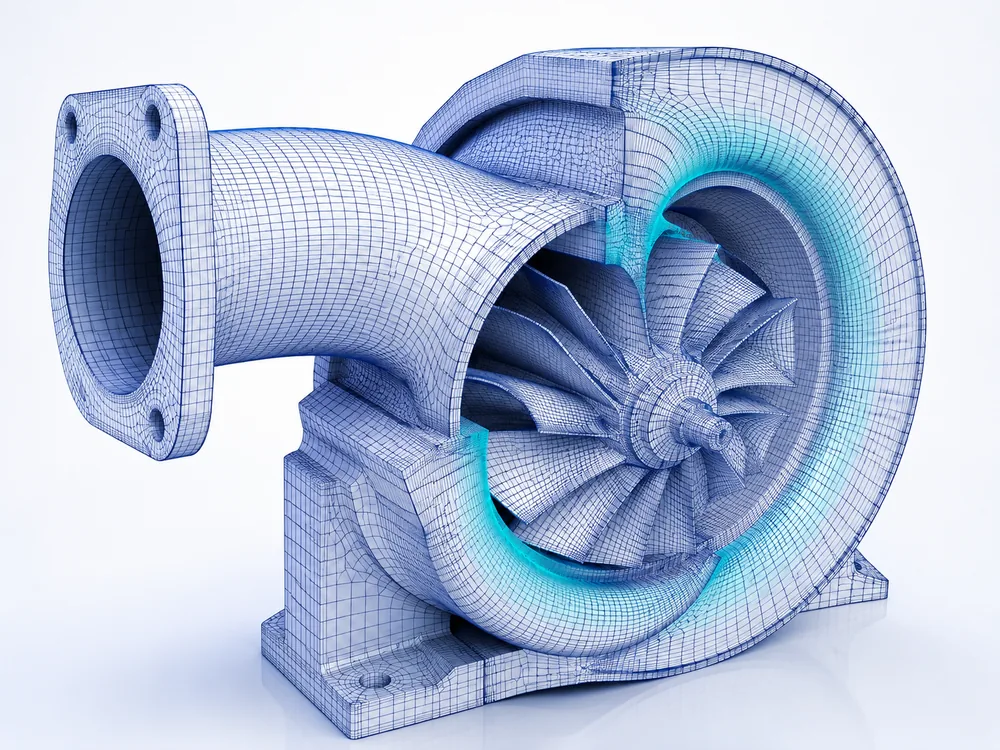
Illustrative renders of the kinds of engineering artefacts the workflow is built around — model, mesh, simulation, drawing and report.
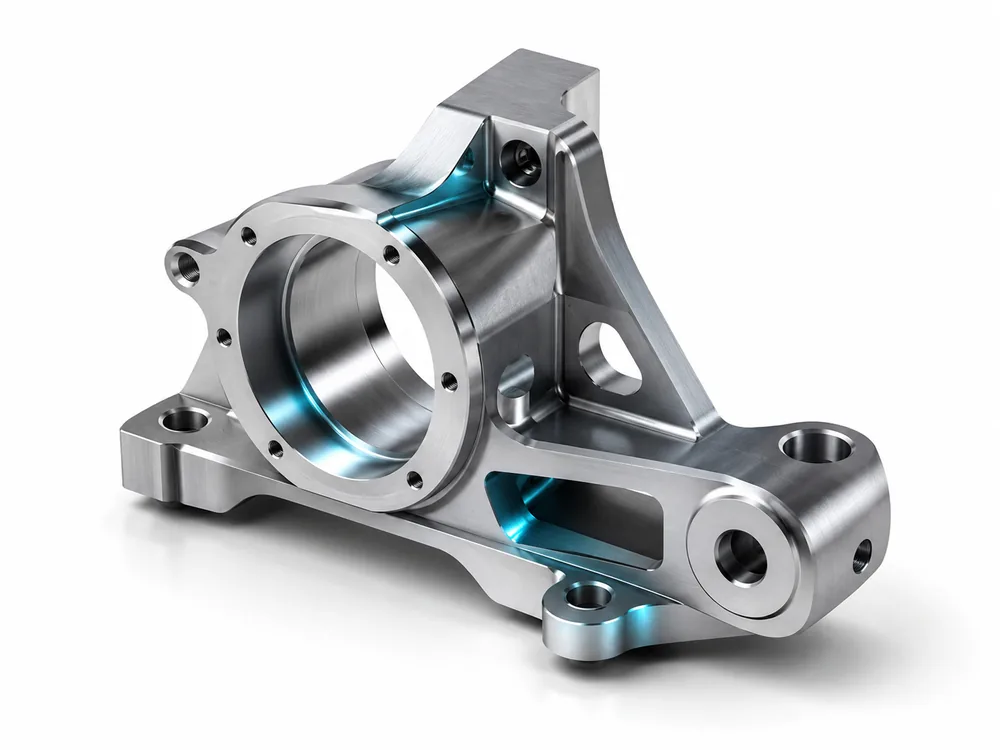
CAD model of a machined engineering part
CAD model — assisted modelling.
Analysis-ready finite-element mesh on an engineering part
Mesh — analysis-ready preparation.
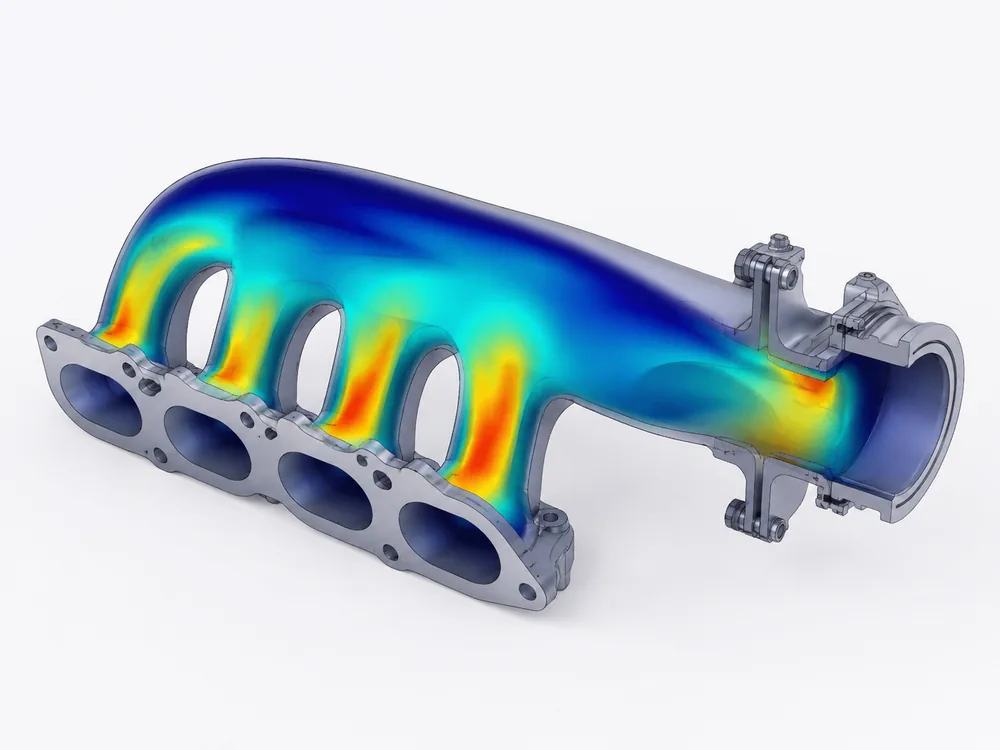
Simulation result contour on an engineering part
Simulation — set up and reviewed.
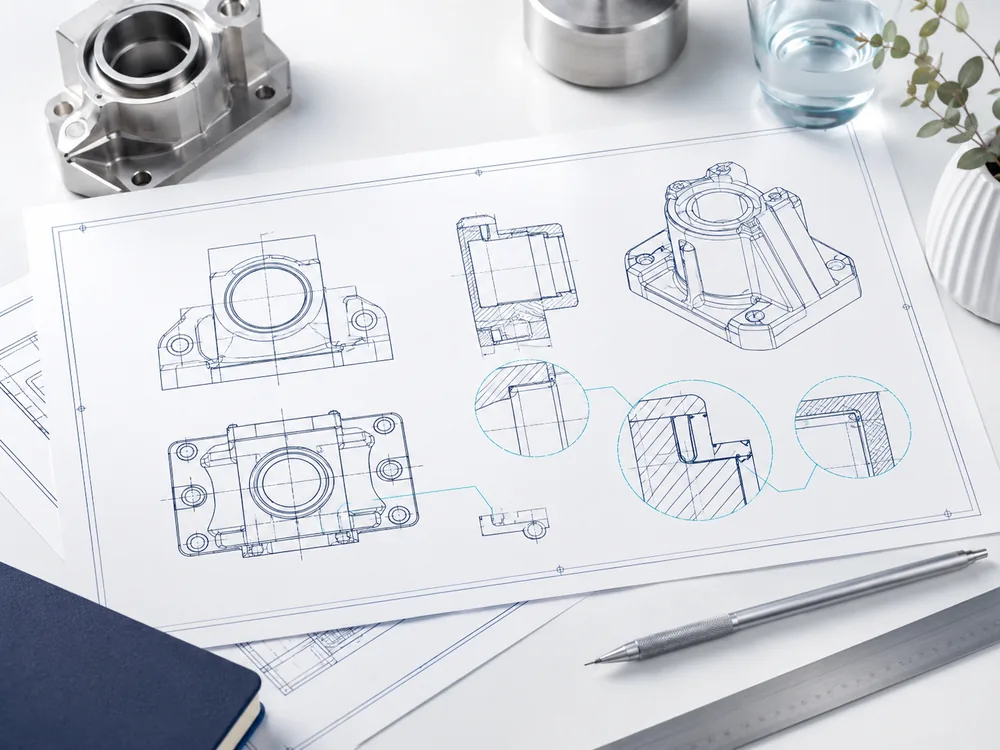
Engineering drawing package on a desk
Drawing package — generated set.
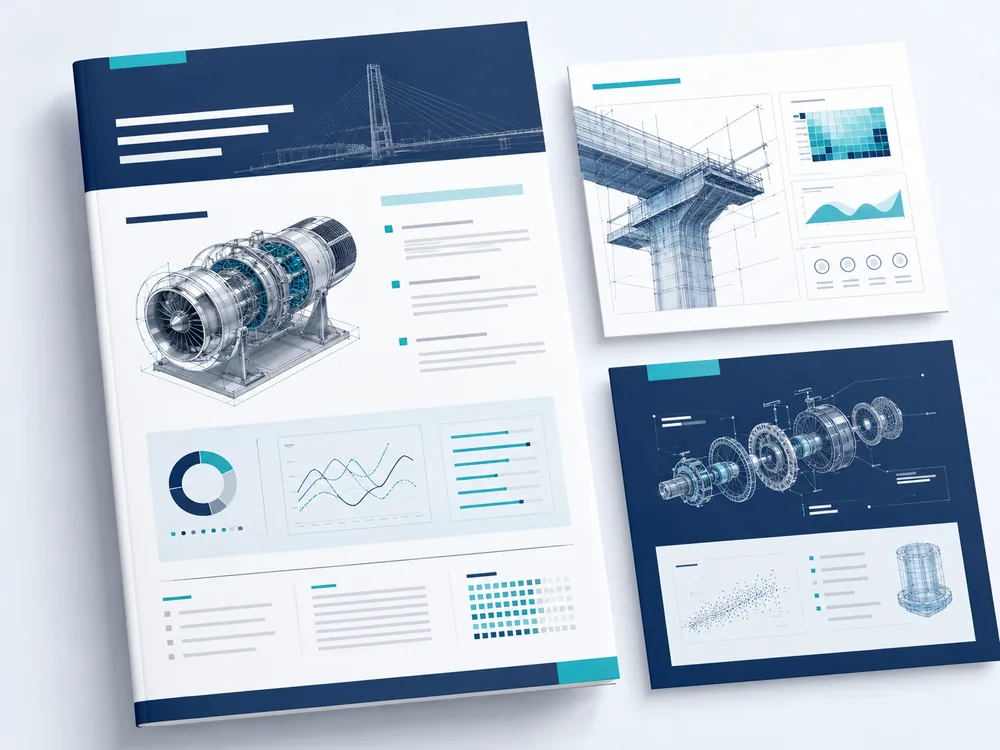
Multi-page technical engineering report with charts
Technical report — assembled documentation.
Engineering workspace with a laptop showing simulation results
Workspace — the connected engineering loop.

These are illustrative concept visuals, not screenshots of live software, and no internal data or file paths are shown. Real product visuals and a demonstration video will be added during early access.