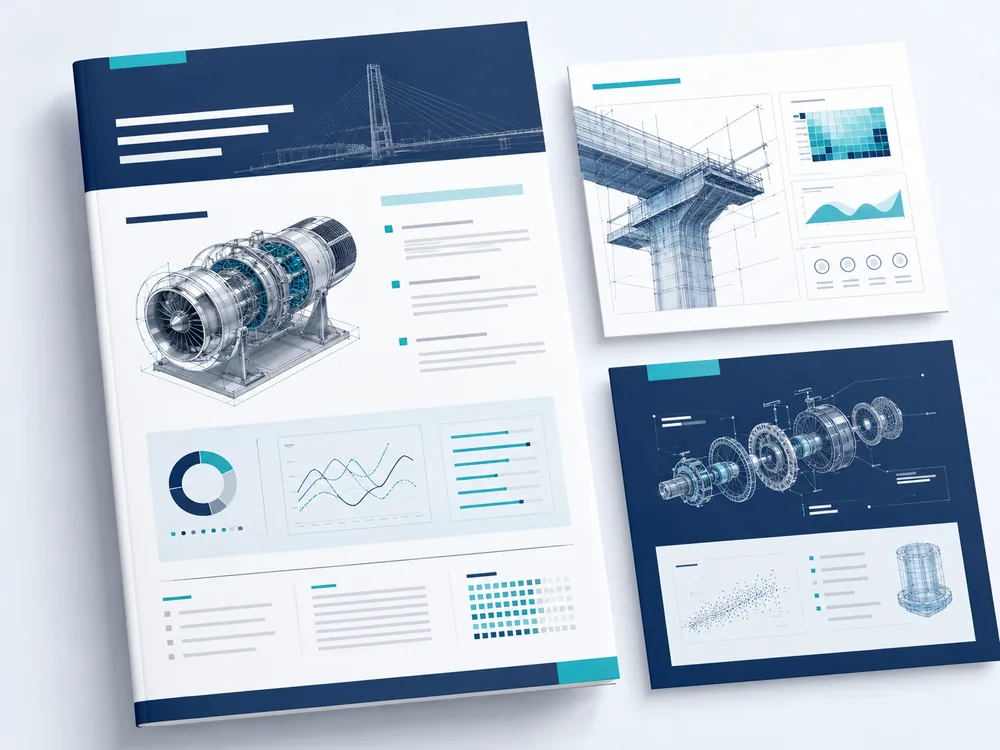
Workflows
The engineering workflow, connected end to end.
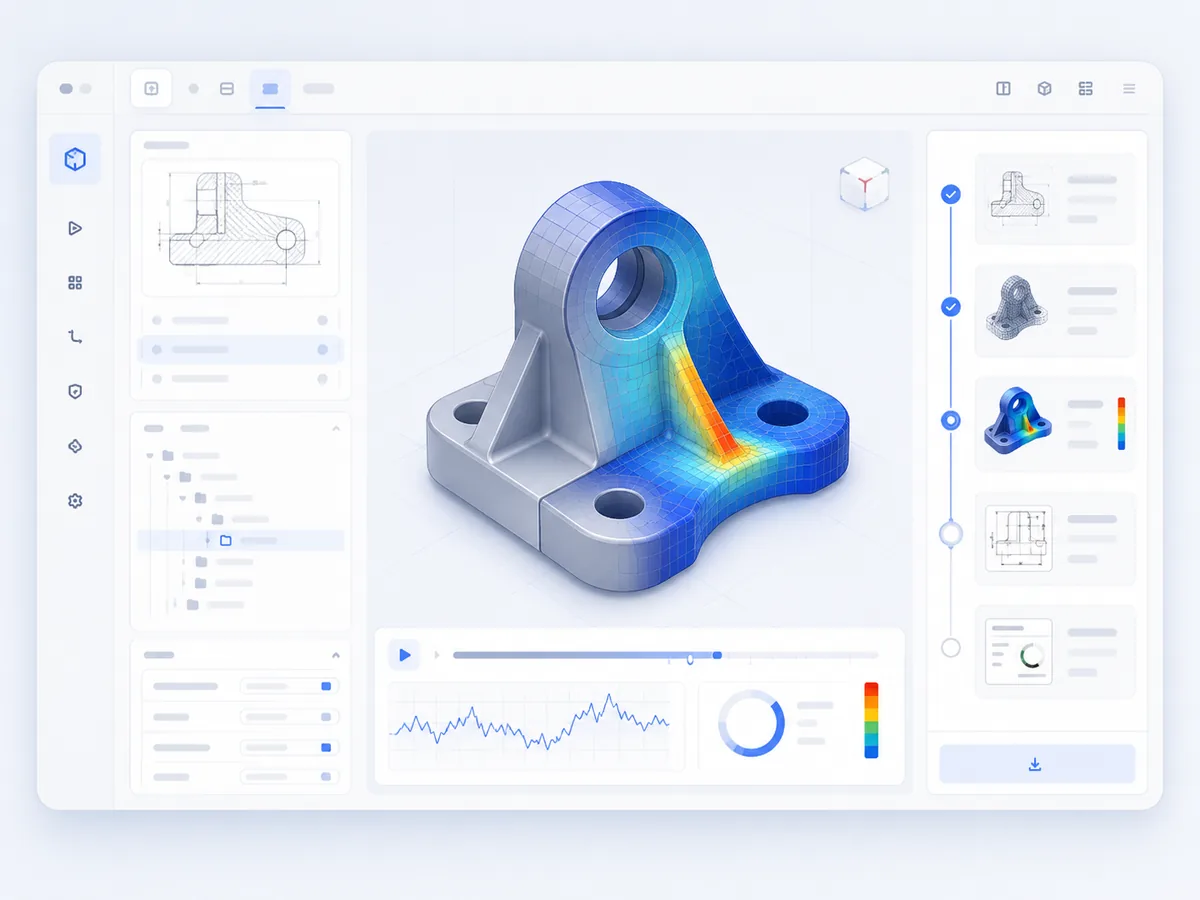
SIMVORA Engineering OS connects design intent, CAD modelling, mesh preparation, simulation review, drawing generation and reporting into one guided engineering workflow around your CAD/CAE toolchain.
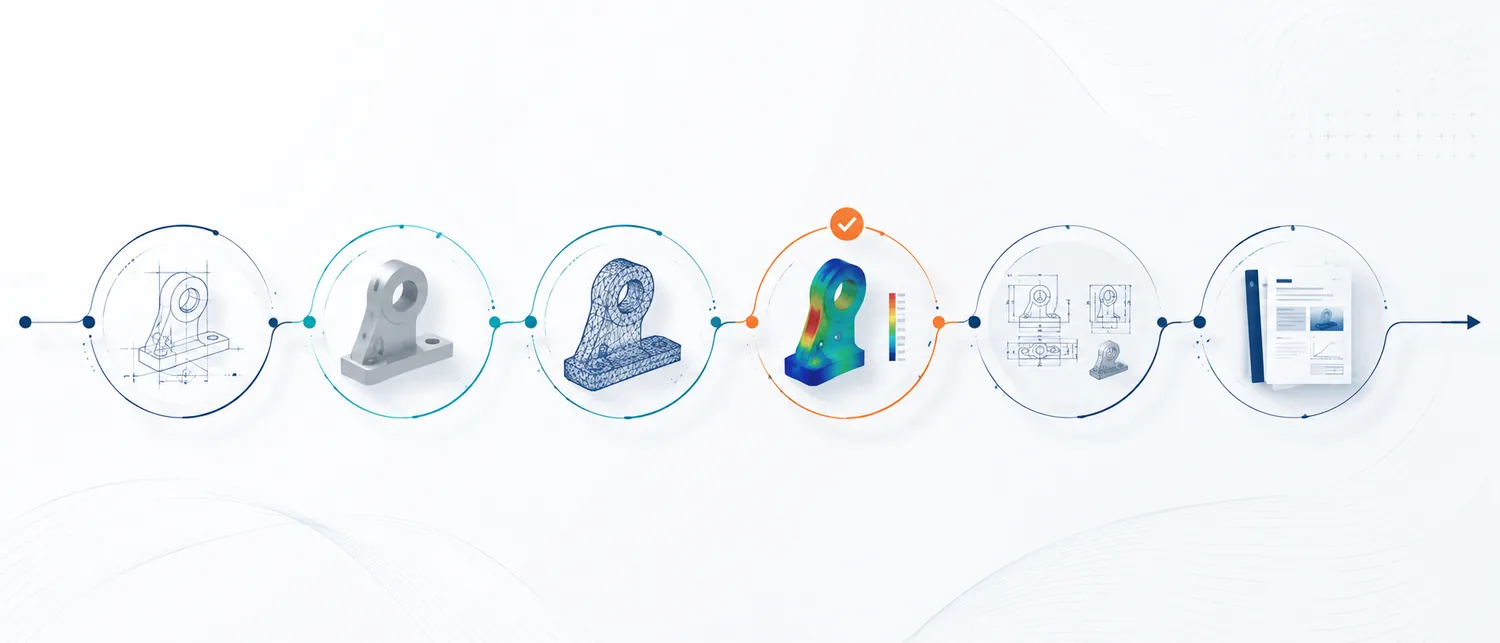
Stage 01
Intent
Capture the design objective, constraints and the outputs the project needs.
Stage 02
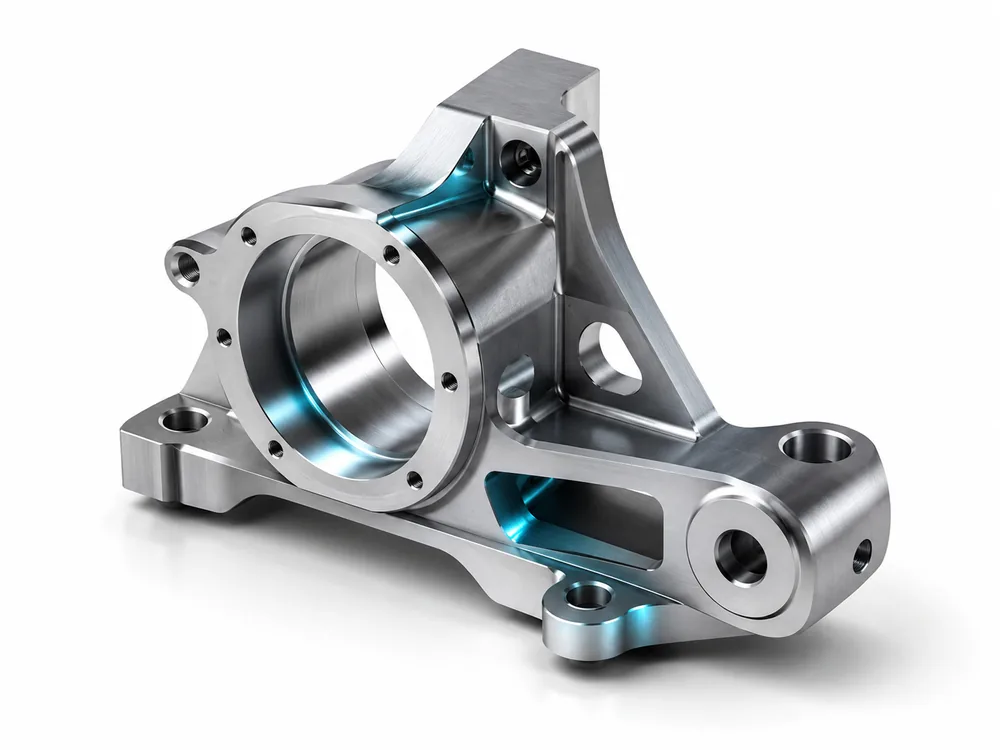
CAD model
Create or adjust geometry while preserving engineering intent and design constraints.
Stage 03
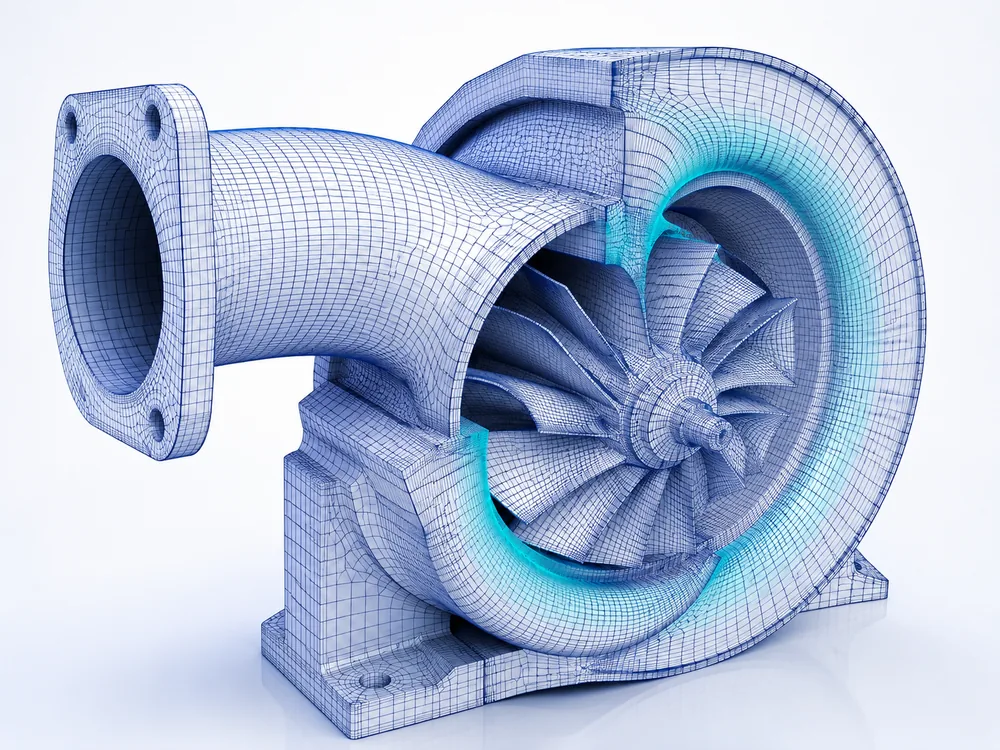
Mesh
Prepare analysis-ready models for simulation.
Stage 04
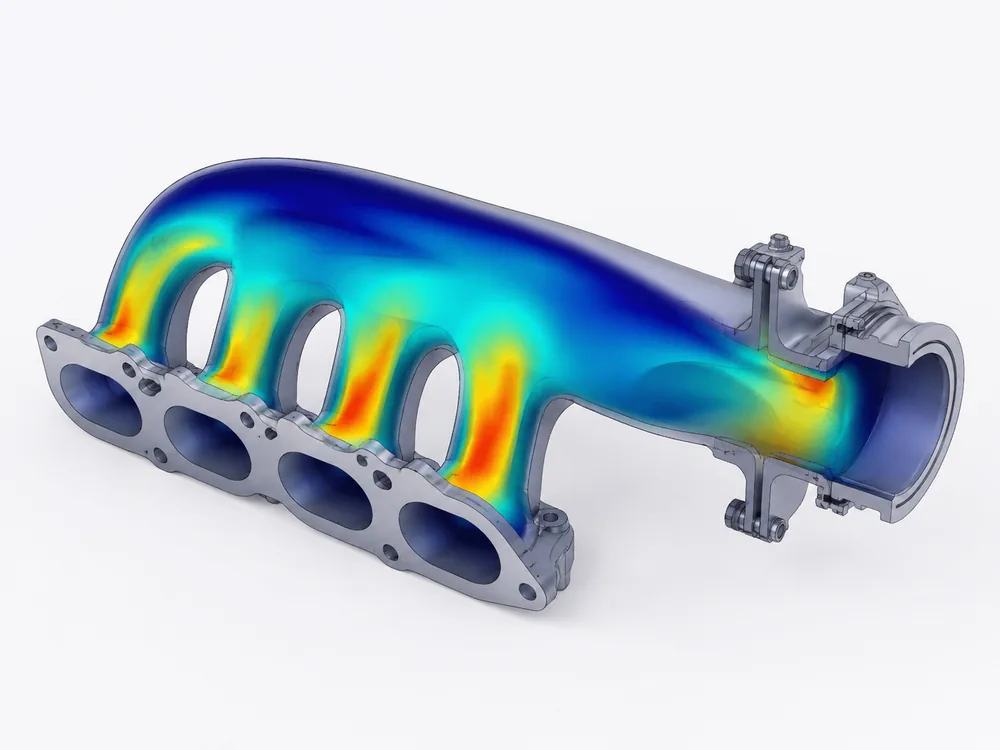
Simulation setup & review
Configure studies, review results and keep engineer approval in the loop.
Stage 05
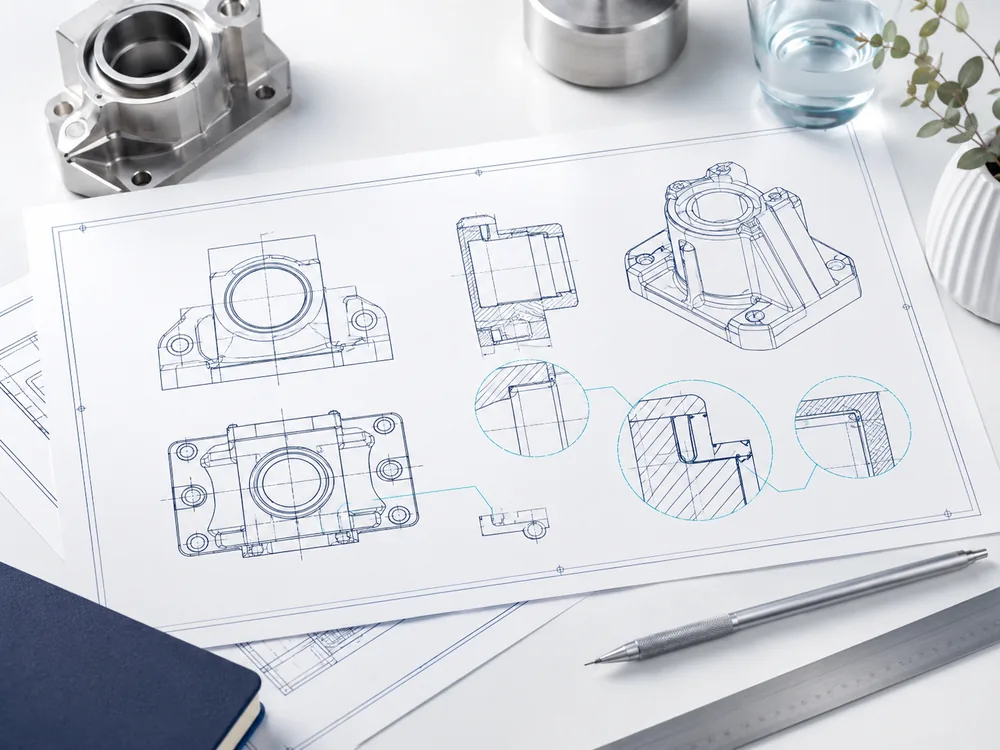
Drawing generation
Generate structured drawing packages from the model context.
Stage 06
Technical report
Assemble technical reports with design, analysis and review evidence.